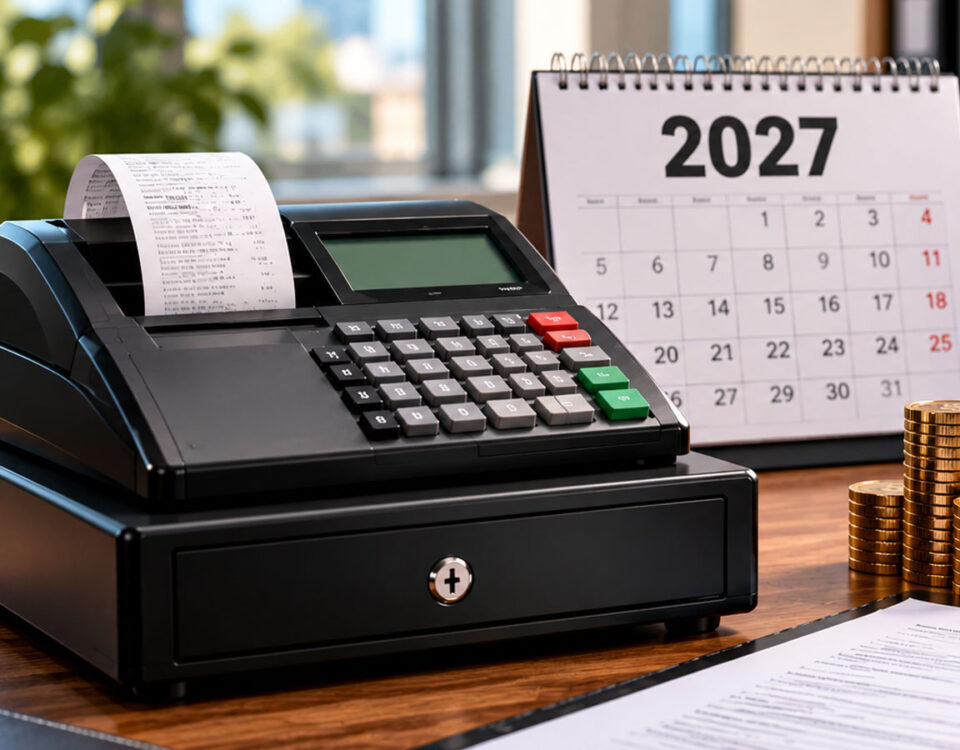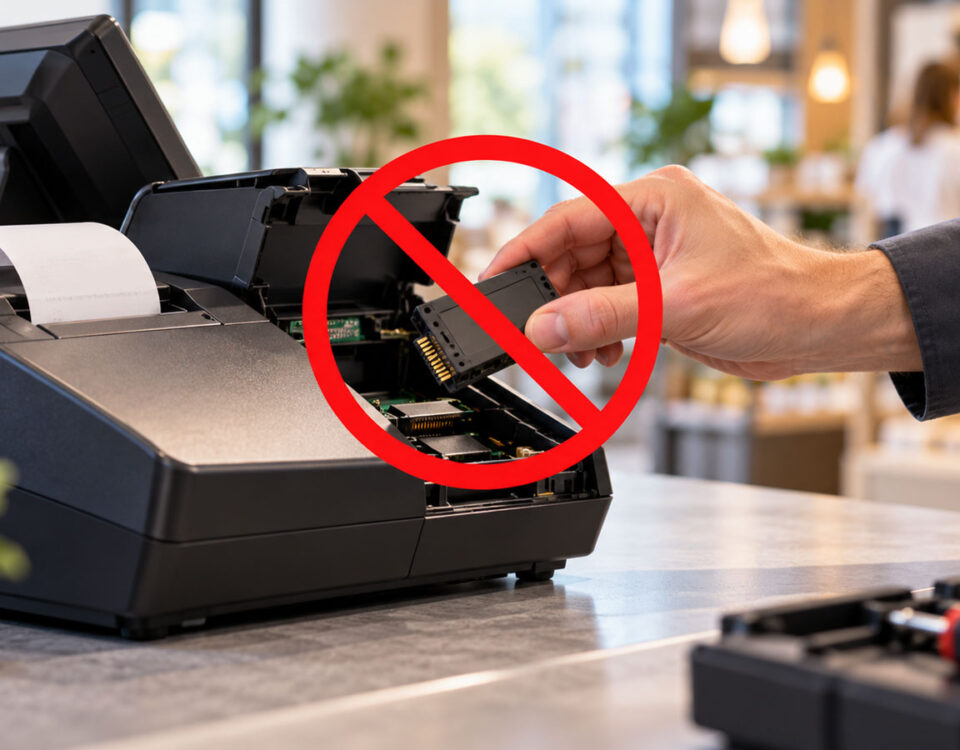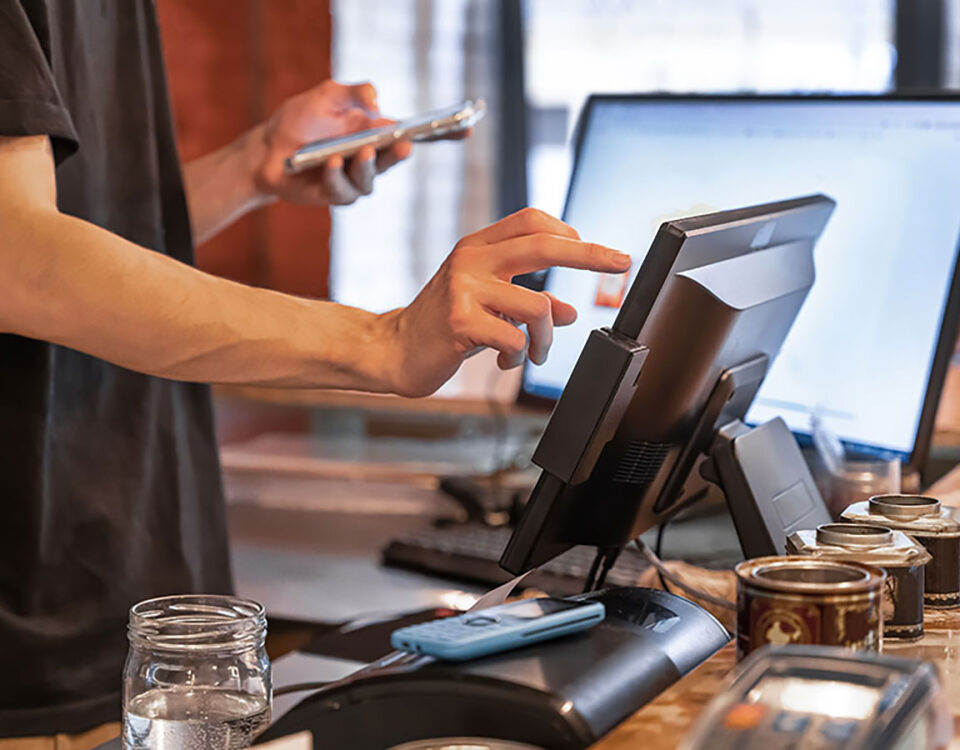








Fiscal printers – model comparison
December 30, 2024
How to prepare for a tax audit in the catering industry?
March 29, 2025
Cash register - how to operate it?
Running a business in Poland involves completing numerous official formalities. For commercial transactions conducted on behalf of individuals, businesses are required to purchase a cash register. Want to learn how to start using a cash register? Need help training your employees on how to use this type of device? Use our guide to make operating a cash register in your company truly simple and enjoyable!

What is the difference between a cash register and a POS?
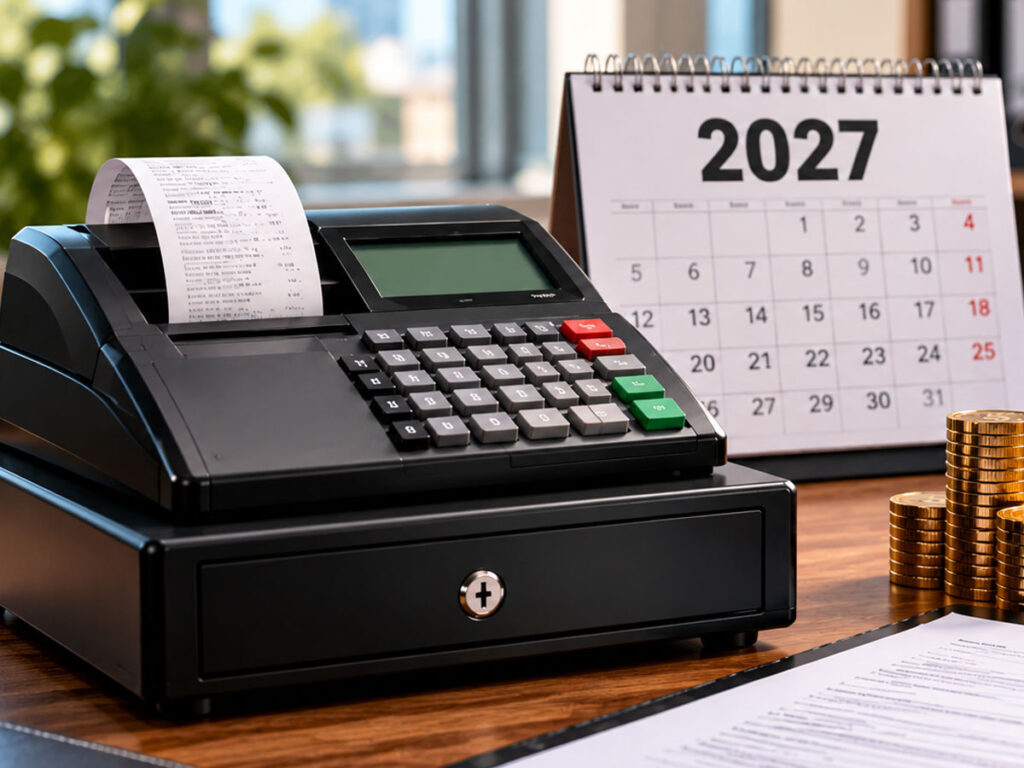
Cash register and POS are devices that enable keeping records of the customer database and the sale of goods or services within the company. Standard cash register A cash register is a stationary fiscal device primarily used to record sales. It is fully approved under the supervision of the Central Office of Measures. A simple cash register is well-suited to smaller businesses. Therefore, if you run a small business, such as an online store, a small café, or a car rental company, a simple cash register will be perfectly sufficient. This will allow you to legally record sales of services or products to individuals.
Advanced system POS gives much greater opportunities in managing the company. POS terminal (Point of Sale) combines the functions of a cash register with a complete sales system. In this case, you can integrate the sales app with phones and tablets across your enterprise. You'll gain access to an administration panel that allows you to generate reports or easily configure offers.
How to start using a cash register? A guide
Properly connecting and configuring your cash register is essential for efficient management and smooth business growth. When you order a cash register for your business, you may need reliable support during initial setup. With us, you'll receive this support included with your device.
Have you already chosen a specific cash register model for your business? All that's left to do is get started. Here's how:
- For starters unpack and assemble the ordered cash register. Remove the equipment from its original packaging and assemble all components.
- Connect the power source. Make sure your device is connected to the network to proceed to the next step.
- Then go to device configuration. Establish product names, VAT rates, and prices for individual services or goods.
- If you have a fiscal printer, you can connect it to your POS software. You don't need to configure products and VAT rates, because the POS will handle this for you. This way, you'll create a unified sales system that will simplify not only sales recording but also business management.
You're just a few steps away from setting up your own cash register in your company and connecting it to your POS system. The more efficiently you do this, the sooner you'll start using the full functionality of your sales tracking devices.
Have questions? Ask our expert!
Cash register operation – basic functions
Modern cash registers offer many useful features that simplify sales recording within a company. It's worth exploring them. Let's start with the basics – handling sales transactions, voiding sales or returns, and applying discounts.
Cash register - handling sales transactions
- Select the product that you previously entered into the device's memory.
- You can also scan the barcode assigned to a given product and the cash register will automatically load it into the shopping cart.
- Then verify the sale price, add discounts and select a payment method, e.g. payment card, BLIK or cash.
- Finally, print the receipt.
Cash register - setting discounts or rebates
When selling goods or services, you can always offer your customers better prices than standard prices. In such situations, a cash register module for discounts and rebates will come in handy.
- Simply select the appropriate discount option when issuing sales documents, and the specified % discount will be automatically calculated for a given product or the entire receipt.
How to change the roller in a cash register
Replacing the paper in a cash register is actually a basic operation. You don't need a service technician. Just a few simple steps are enough.
- Open the cash register door where the paper roll is located.
- Pull out any remaining paper that is no longer usable.
- Insert a new roll of paper into the container so that the end slightly protrudes beyond the housing.
- Replace the cover.
That's it – this is how you can easily replace a roll of paper in your cash register. The entire procedure will likely take no more than a few seconds. It just takes a little practice.
Also, make sure to clean your cash register regularly. It's best to do this when you replace the paper roll. Use a clean cloth to wipe down the casing and crevices.
Buy a cash register from us, we will come and configure it
Are you struggling to choose a cash register for your business? Order it from us. When you purchase a cash register from our online store, we'll deliver the equipment to you. We'll then connect and configure it for you – at no extra charge. We'll take care of everything. You don't have to worry about anything – everything will be ready to go. We'll connect it, and you can conveniently issue documents and record sales.
Free cash register training for your company
We'd also be happy to teach you how to use the 100% to its full potential. If you purchase a cash register at centrumkas.pl, Once the cash register is connected at your company, we'll train you and your staff on how to use it. You'll save a lot of time, money, and stress. And for us, it's a piece of cake :)